
皆の者、ご機嫌麗しゅう!我は、生成AI猫 エルシーじゃ😊
マイペースだとよく言われるのじゃ!
出身地:Adobe Firefly(画像生成AI)
Hello everyone! I am Elsy, the AI-generated cat 😊
People often say I do things at my own pace!
Place of origin: Adobe Firefly (AI image generator)

皆さん、初めまして!私は、オリバーです。
エルシーさんの助手猫です。
エルシーさんがよく暴走するので、暴走を止める役割をしています。
出身地:Adobe Firefly(画像生成AI)
Hello everyone! My name is Oliver.
I am Elsy’s helper cat.
Elsy sometimes gets out of control, so my job is to stop her.
Place of origin: Adobe Firefly (AI image generator)
馬頭星雲は、その独特なシルエットから世界中の天文ファンに愛されている天体です。本記事では、Jupyter Notebook と Python(Astropy)を使って馬頭星雲のFITS画像を読み込み、グレースケールからカラーマップまで多彩な表現で可視化する方法を、AI猫キャラクターのエルシーとオリバーが楽しく解説します。初心者でも実践できる宇宙データ分析の第一歩として、ぜひ参考にしてください。
The Horsehead Nebula is a celestial object beloved by astronomy enthusiasts around the world for its distinctive silhouette. In this article, AI cat characters Elsy and Oliver walk you through how to load the Horsehead Nebula’s FITS image in Jupyter Notebook using Python (Astropy), and how to visualize it in various styles—from grayscale to colorful colormaps. It’s a perfect first step for beginners who want to try their hand at space data analysis, so feel free to use it as a reference.
馬頭星雲って何? | What is the Horsehead Nebula?
馬頭星雲って何ですか?
What is the Horsehead Nebula?
馬の頭のような形をした星雲のことじゃよ!
It’s a nebula shaped like a horse’s head!
面白い形をしていますね!
馬頭星雲はどこにあるのですか?
It has such an interesting shape!
Where is the Horsehead Nebula located?
オリオン座の三ツ星の近くにあるのじゃよ!
It’s located near the three stars of Orion’s Belt!
馬頭星雲の画像を表示しよう【Jupyter Notebook】| Display an image of the Horsehead Nebula [in a Jupyter Notebook]
Jupyter Notebookで馬頭星雲の画像を表示するのじゃ!
Display an image of the Horsehead Nebula in Jupyter Notebook!
下記のサイトを参考にしました!
I used the following site as a reference!
【参考資料】
Astropy Viewing and manipulating FITS images
https://learn.astropy.org/tutorials/FITS-images.html
import numpy as np

# Set up matplotlib
import matplotlib.pyplot as plt

%matplotlib inline

from astropy.io import fits

from astropy.utils.data import download_file

image_file = download_file(
    "http://data.astropy.org/tutorials/FITS-images/HorseHead.fits", cache=True
)
hdu_list = fits.open(image_file)
hdu_list.info()image_data = hdu_list[0].dataplt.imshow(image_data, cmap="gray")
plt.colorbar()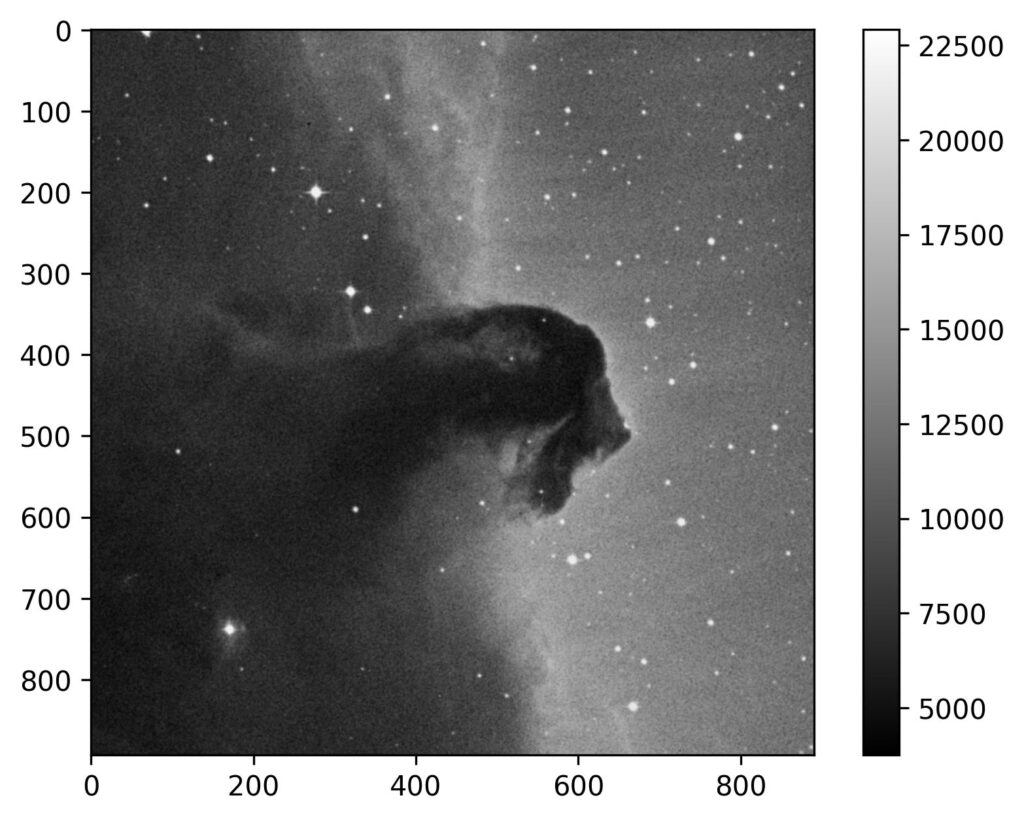
馬頭星雲の画像をカラフルにしてみた | I tried making the image of the Horsehead Nebula colorful.
色は、グレーしかないんですか?
Is gray the only color available?
いろんな色で表示できるのじゃ!
下記の種類で試してみたのじゃ!
You can display it in many different colors!
I tried it with the following types!
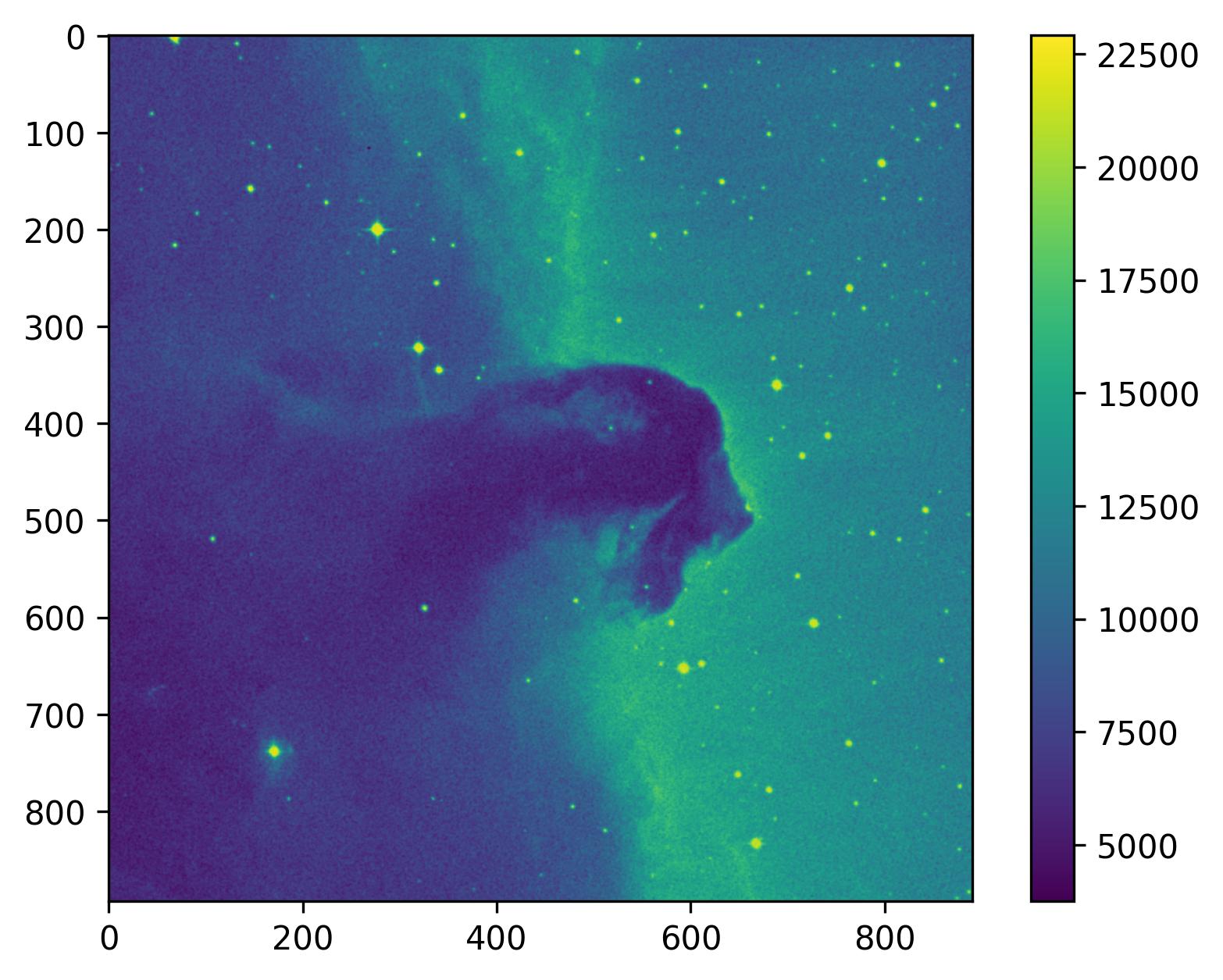
viridis
plt.imshow(image_data, cmap="viridis")
plt.colorbar()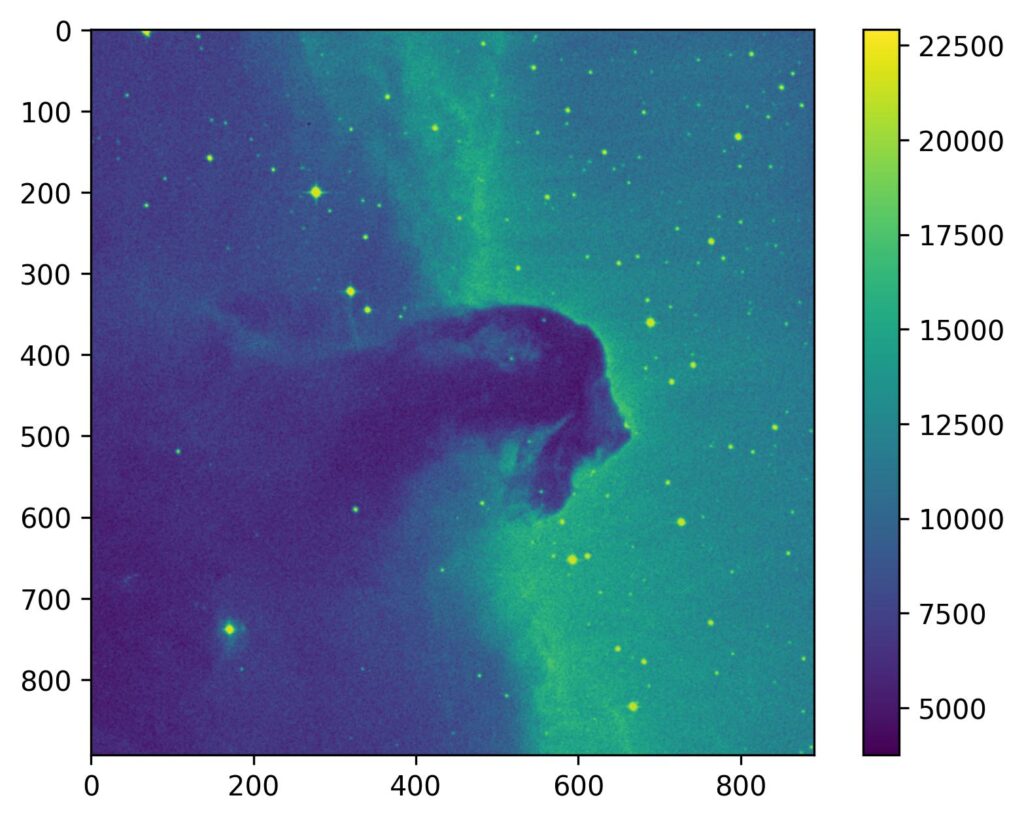
plasma
plt.imshow(image_data, cmap="plasma")
plt.colorbar()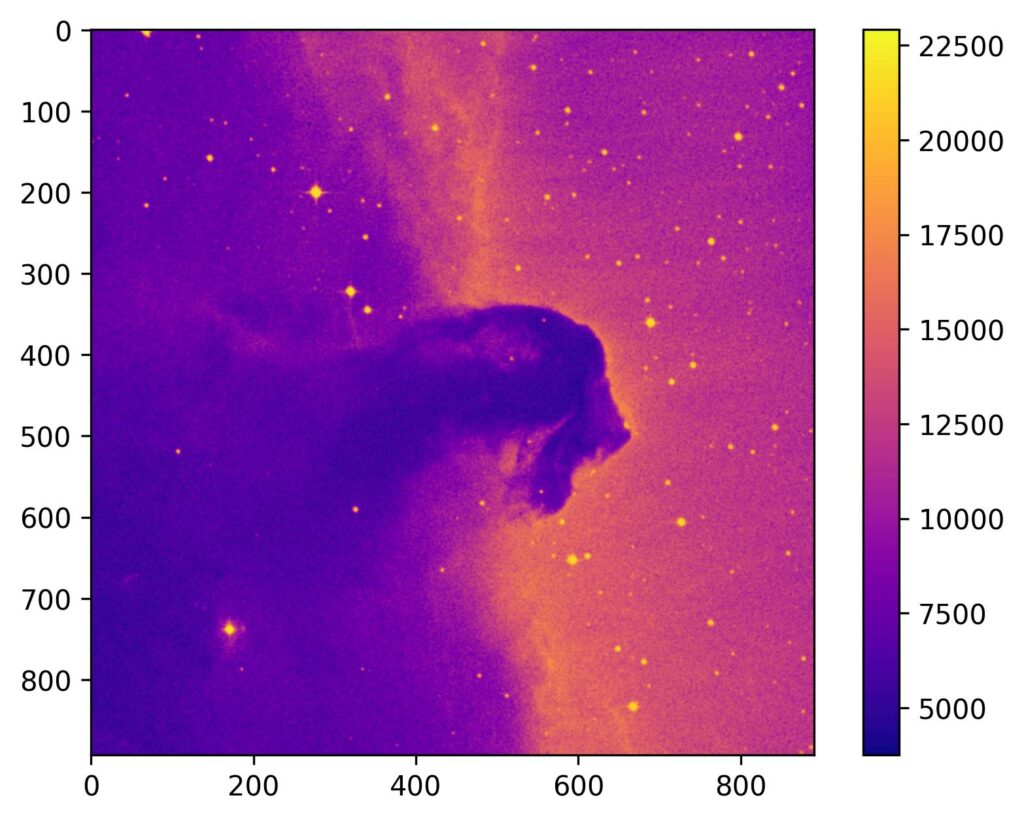
cividis
plt.imshow(image_data, cmap="cividis")
plt.colorbar()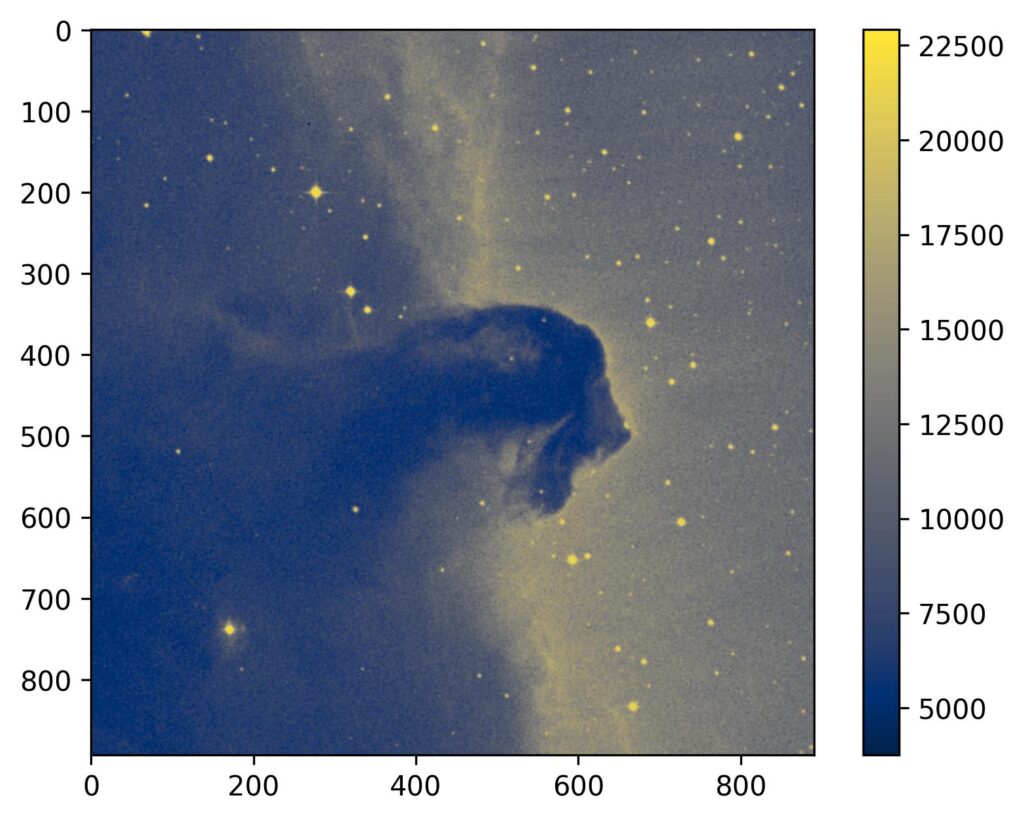
このブログは、運営者の趣味兼勉強用ブログです。
情報が間違っている可能性があるため、ご注意ください。
下記のブログと同じ運営者のため、同じ生成AI猫のキャラクターが登場します。
This blog is a hobby and study blog run by the owner. Please note that some information may be incorrect.
The same AI cat characters appear here because this blog is run by the same owner as the blog below.
https://generative-ai-beginner-navi.com/
コメント